Get Fluxus Executor Key – Updated Method of 2025
Many Roblox players want to run scripts to make their game more exciting, but most of the time, the biggest problem is the key system. Some executors ask for too many steps, while others stop working after updates. This leaves players confused and unsure which tool to trust.

The Fluxus Executor Key is different. It is made to give smooth access without wasting time. Once you have the right key, you can unlock scripts quickly and enjoy a better Roblox experience.
In this article, I will explain everything about the Fluxus Executor Key, like how it works, how to get it, and why it is one of the best choices for Roblox players.
What is Fluxus Executor Key?
The Fluxus Roblox Executor Key is a special code you need to use the Fluxus executor in Roblox. An executor is a tool that allows you to run custom scripts in the game, which can unlock new features, tricks, or commands. But before you can use Fluxus, you must get its key.
This key works like a lock and password system. It makes sure only real users can access Fluxus. Once you complete the steps to get the key, you can enter it in the executor and start using scripts safely.
How to Get Fluxus Executor Key: Step-by-Step Guide
Get Fluxus Executor Key For Android
Step 1: Install Fluxus and Open Roblox
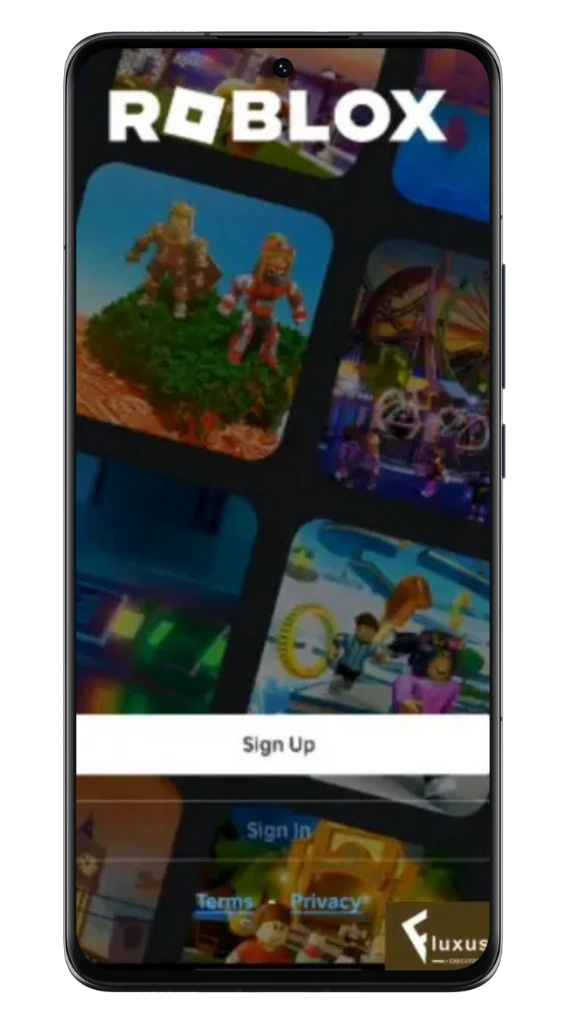
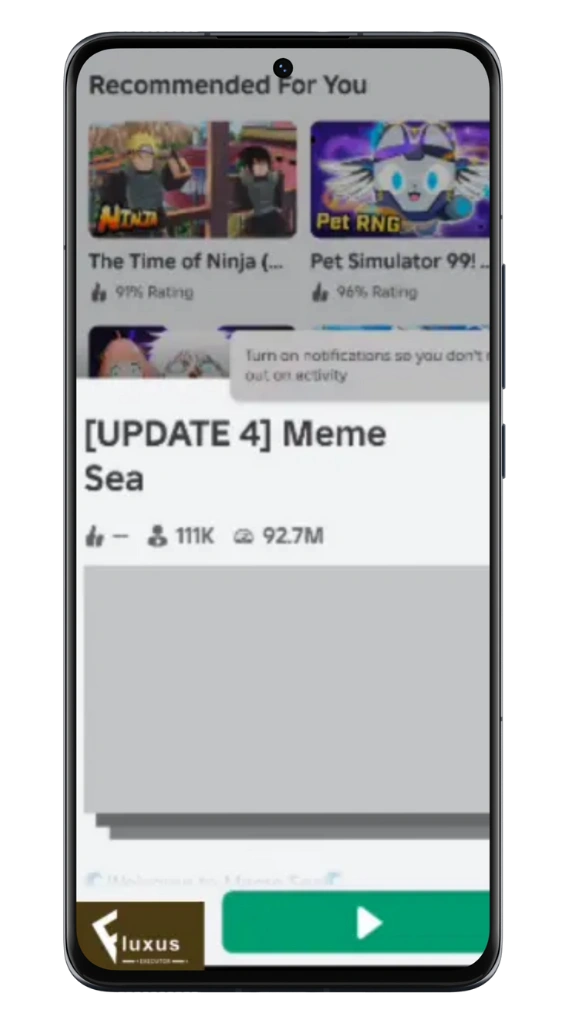
First, download and install the Fluxus Executor APK. Once installed, open Roblox on your phone and log in to your account. Choose any game and launch it.
Step 2: Start the Key
Process
When the game opens, you will see a button saying “Get Key.” Tap on it, and it will redirect you to a URL (flux.li). Copy this URL and paste it into your mobile browser to continue.

Step 3: Wait for the Key Page to Load
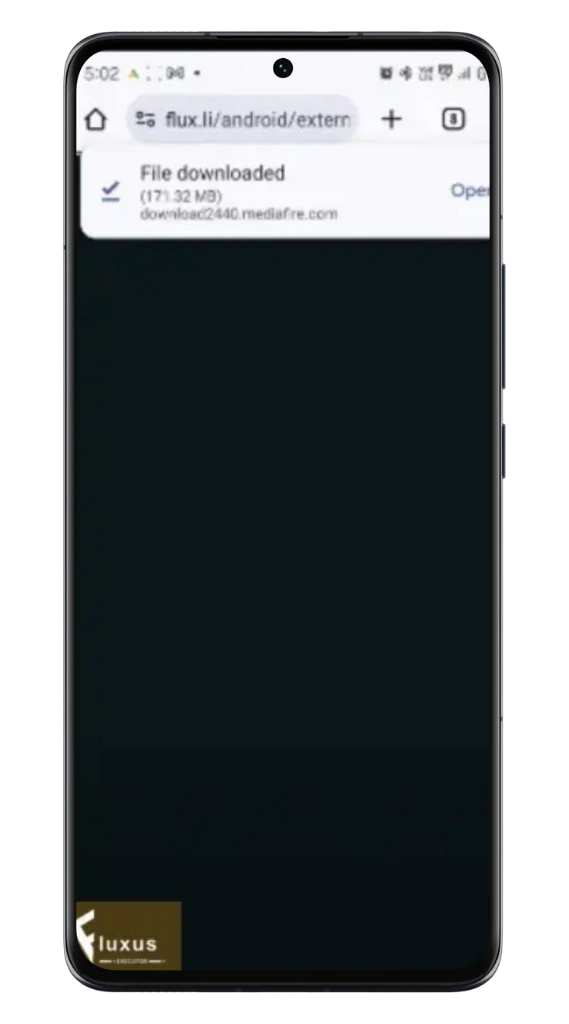
A new page will open where you must wait a few seconds. It will automatically redirect you to the next step.
Step 4: Complete the Linkvertise Steps
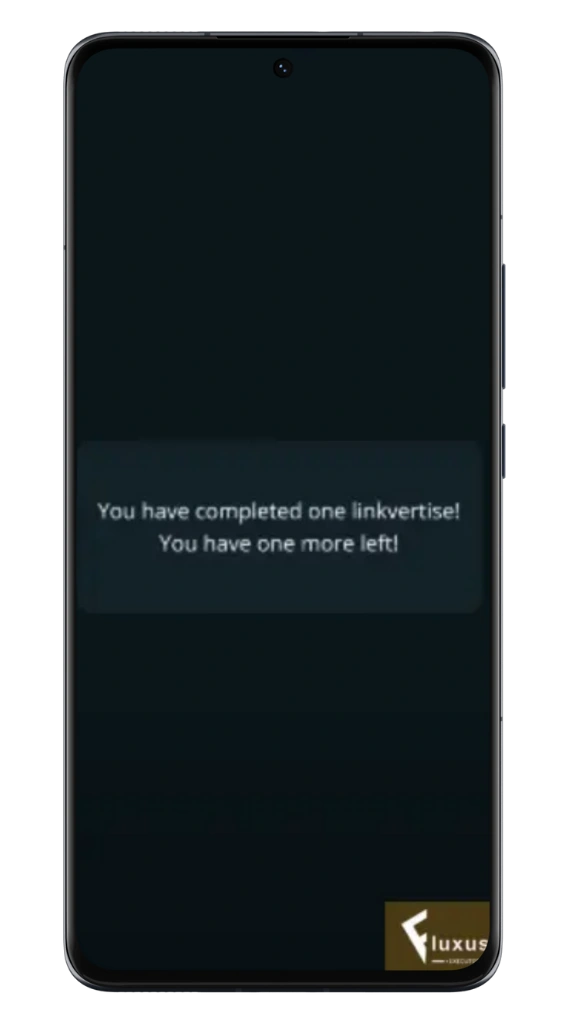
Now you will reach the Linkvertise page. Here, click on the “I’m interested” button. After that, click on “Learn More.” A small pop-up ad may appear, so just wait a few seconds, minimize it, and go back to the main Linkvertise page. Once all three sections show a green tick, then press “Continue.”


Step 5: Wait for the Timer
After continuing, a new page will open with a 10-second timer. Wait until the timer finishes, then click on “Get Key.”
Step 6: Repeat One More Verification
Sometimes, Fluxus requires a second round of verification. If you are redirected to another Linkvertise page, then repeat the same steps:
- Click on I’m Interested
- Then Learn More
- Wait a few seconds on the popup ad, close it
- Go back, and once all ticks are green, press Continue
- Wait 10 more seconds and press Get Key
Step 7: Copy Your Key
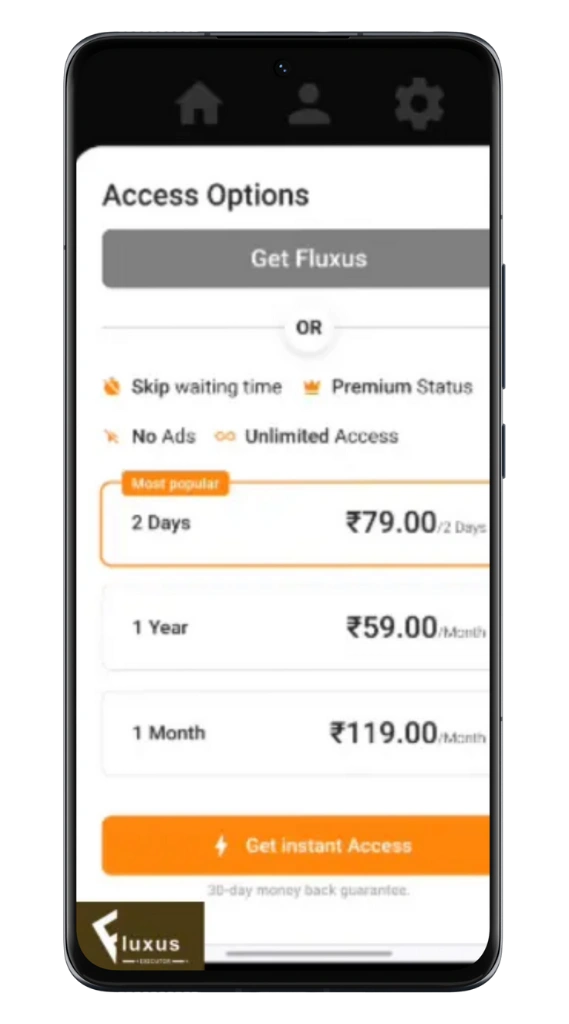
After finishing the second verification, you will finally reach the page with your Fluxus Key. Tap on “Copy Key” and go back to the Fluxus app. Paste the key there, and the executor will unlock.

Get Fluxus Executor Key For PC
Step 1: Download Fluxus for PC
You can start by downloading the Fluxus Executor setup file from the official Fluxus website.
Step 2: Install and Open Fluxus
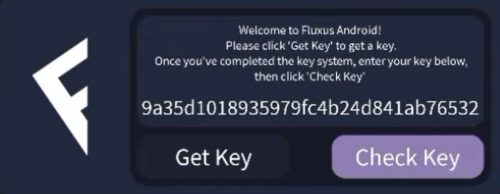
After downloading, install Fluxus on your PC. When you open it for the first time, it will ask you to get a Fluxus Executor Key. Click the button to start.
Step 3: Visit the Key System Website
Fluxus will redirect you to its key system website, just like on Android. Here, follow the steps shown on the screen. This may include ads or short tasks, which confirm that you are a genuine user.
Step 4: Collect the Key
Once you complete the tasks, your Fluxus Key will appear. Copy it exactly as shown. If you make a mistake, then the executor will not unlock. Full Guide Fluxus Discord.
Step 5: Enter the Key in Fluxus
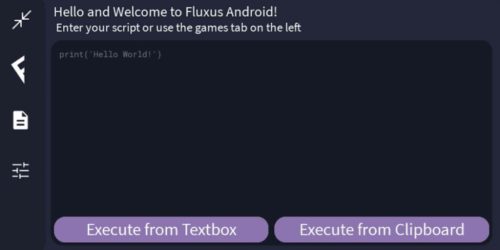
Finally, go back to the Fluxus executor on your PC. Paste the copied key in the given box and confirm. If the key is correct, then the executor will unlock, and you can use your favorite Roblox scripts on PC without issues.
Common Issues with Fluxus Key & Fixes
Sometimes, the Fluxus Key may not work the way you expect. This can happen for many reasons, like a weak internet connection, wrong key entry, or Roblox updates. The good thing is that most problems have simple fixes. Let’s go through the most common ones.

Key Not Loading
If your key page is not loading, then the main reason is mostly a poor internet connection or too many ads blocking the page.
To fix this, check your internet first, then refresh the page. If it still does not work, then clear your browser cache or try to open the link in a different browser.
Key Expired or Invalid
Sometimes, after you get the key, it may show as expired or invalid. This happens when the key has already been used, or you entered it with a mistake.
The quick fix is to repeat the key system process again and copy the new key carefully. Always double-check that you paste the entire key without missing any characters.
Errors During Verification
During the verification step, you may face errors like the page not moving forward or the key system not accepting your task. This mostly happens when ad blockers are active or when tasks are not fully completed.
To fix this, disable any ad blocker, complete all the required steps fully, and then try again.
Final Words
I know the Fluxus Executor key process may seem like an extra step, but it is actually what keeps the tool safe and working smoothly. If you follow the steps carefully, then you will get your key quickly and avoid errors.

![Fluxus Executor iOS v686 [IPA/No Jailbreak] 2025](https://fluxusinfo.app/wp-content/uploads/2025/08/GET-Fluxus-Executor-Key-1-768x402.webp "Fluxus Executor iOS v686 [IPA/No Jailbreak] 2025 15")
